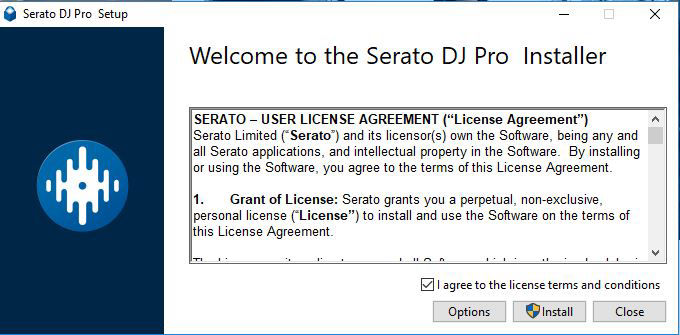
Step 1. Installation
- Double-click serato dj pro 2.4.5.exe after downloading,
- Agree to the T&C's then click install.
- Click yes to proceed.
Serato DJ Pro will now perform a standard installation
Step 2. Proceed
- When prompted click cancel to Quicktime player installation then click yes.
- Finally click Finish.
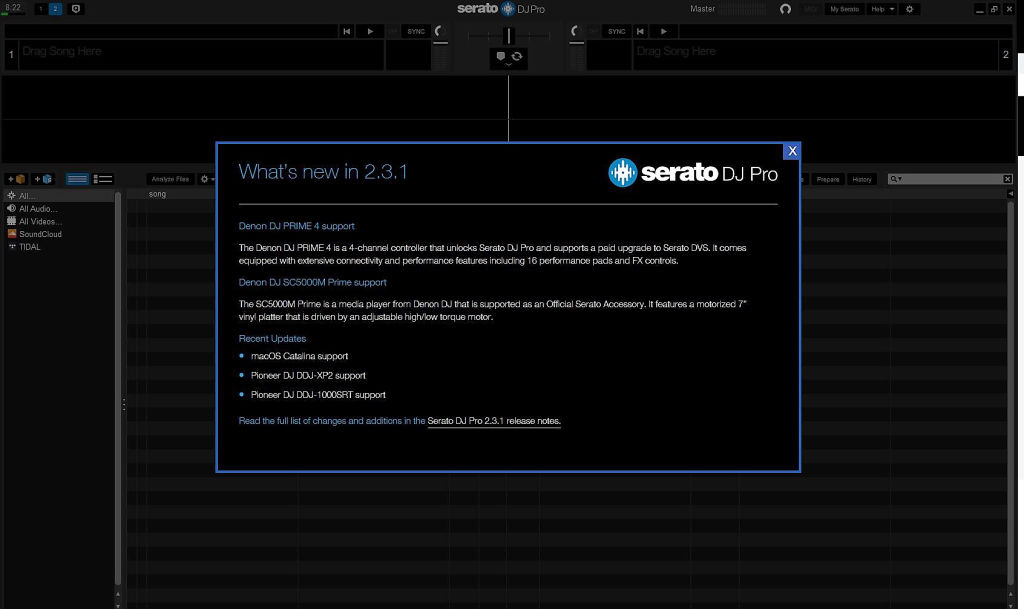
- Click and open Serato DJ Pro from your desktop or start menu
- Click X to close 'whats new in 2.3.6' screen
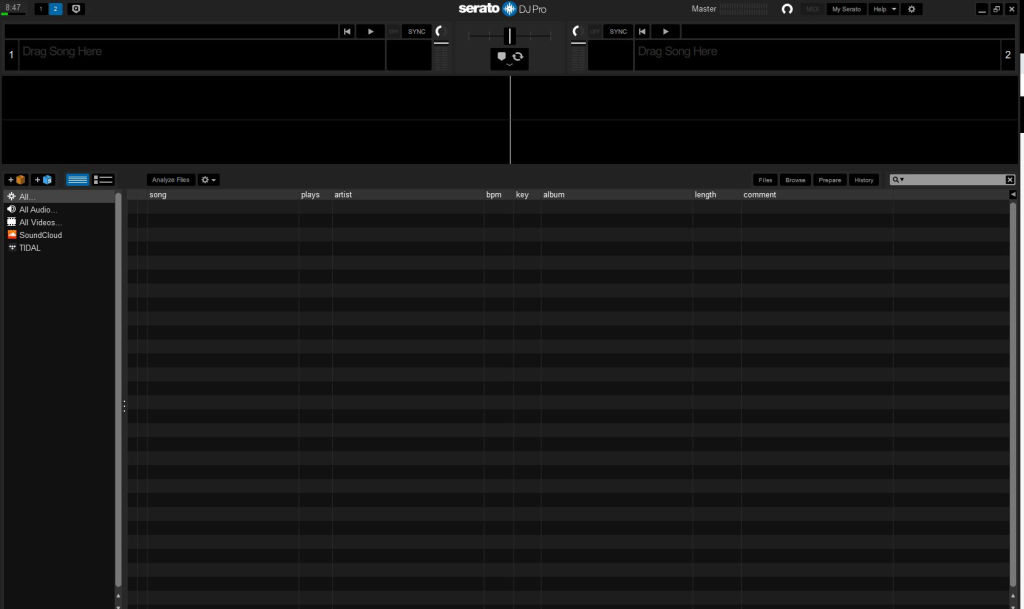
Step 3. Done
- Lets Start Djing